Nexter Extension
employee-icon

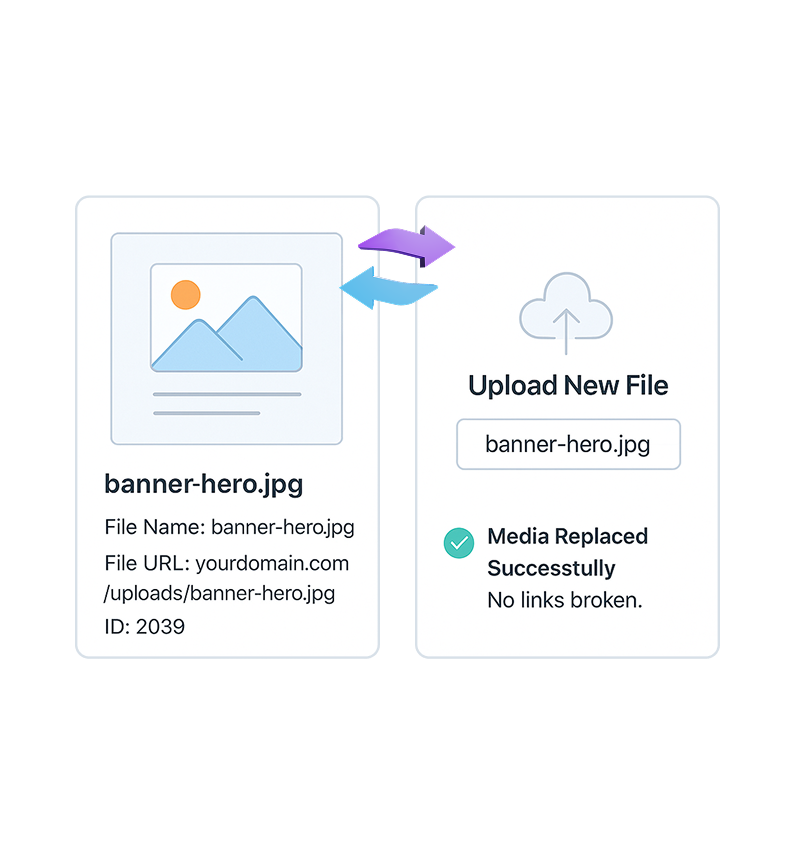
Replace Media in WordPress

Replace Media in WordPress without changing URLs. Update images or files from Media Library while preserving links, redirects, and SEO rankings.

stylist icon

Replace Files Without Changing URLs

stylist icon

Prevents Broken Links and SEO Loss

stylist icon

Update Media Site-Wide From One Place

money-back-garanteee

60 Day Money-Back Guarantee

Guarantee-icon

60 Day Money-Back Guarantee

Creative Image

Why Should You Use Replace Media in WordPress?

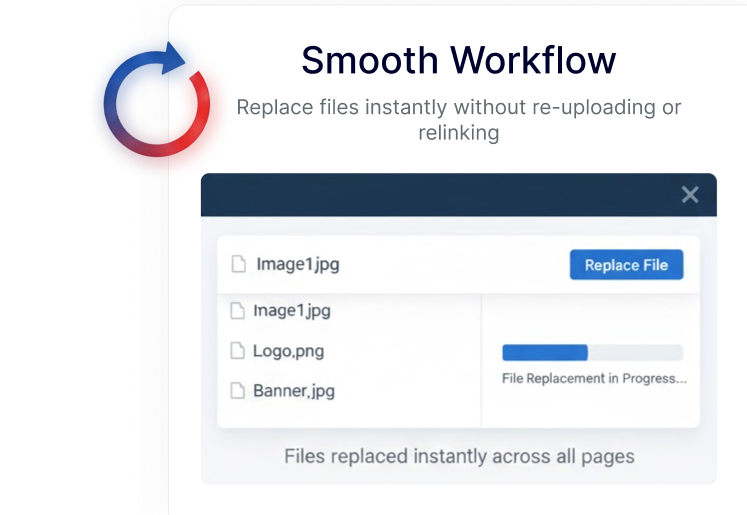
Smooth Media Replacement Across Your Site

Replace images, videos, or documents directly from the Media Library. The updated file appears everywhere it’s already used, keeping your content visually consistent.
smooth workflow

Preserve Media URLs for Stable SEO

Media files keep the same URL when replaced. This helps maintain search visibility, internal links, and external references without extra configuration.

seo protection

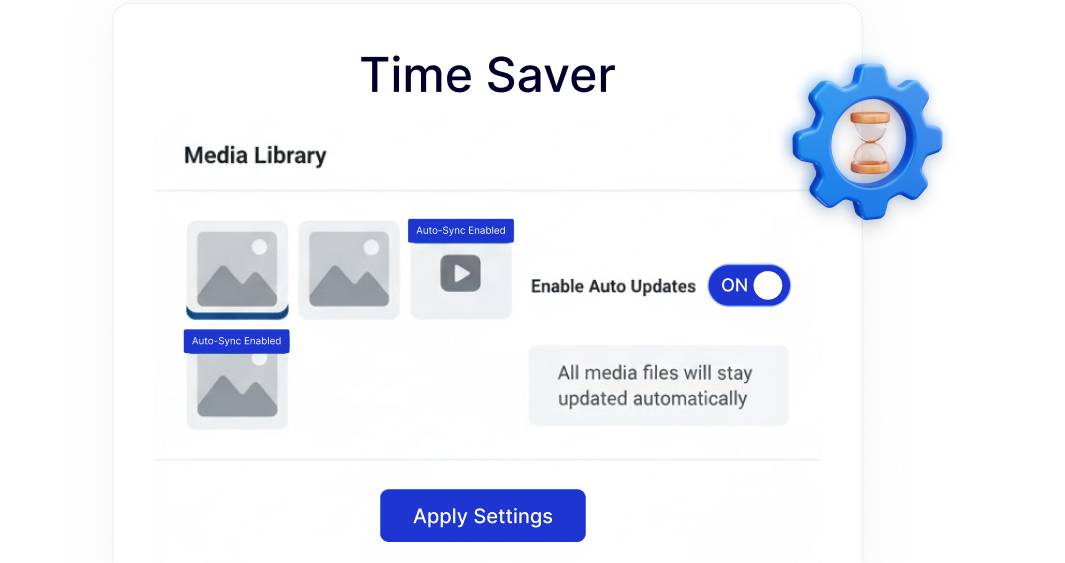
Faster Media Updates With Less Effort

Update a file once and let WordPress reflect the change across your site automatically, reducing repetitive tasks during content updates or redesigns.
time saver

Built-In Media Workflow Inside Nexter

Replace Media works as part of Nexter’s modular system, helping you manage media updates cleanly without relying on multiple single-purpose plugins.

professional maintenance

Watch How to Replace Media in WordPress

YouTube video

Frequently Asked Questions

By default, WordPress creates a new file and URL. Nexter’s Replace Media feature lets you swap the file while keeping the same URL.
If the URL changes, it can break links and rankings. Replacing media while keeping the same URL avoids SEO and internal linking issues.
WordPress treats uploads as permanent files. It doesn’t include a native option to overwrite media, which is why users rely on plugins for this workflow.
Normally yes. Nexter includes Replace Media as one extension inside a larger plugin, reducing the need for multiple single-purpose plugins.
Yes. It saves time during redesigns, content updates, and client revisions by allowing fast, site-wide media updates without manual edits.
No. Since the media URL stays the same, existing links, embeds, and references continue to work as expected.

More Extensions from Nexter

1000+ Pre-Designed Websites
Templates & Sections

View 1000+ WordPress Templates & Sections